Your thoughts.
Endlessly deep.
mind3D is a mind map app where every idea can be a world of its own. Double-tap a node and you are inside. With text, images, sounds and documents, as a 3D space you can rotate, and encrypted if you like.
100 % free · for Android and Windows · fully offline · no account · no ads
More than boxes and lines
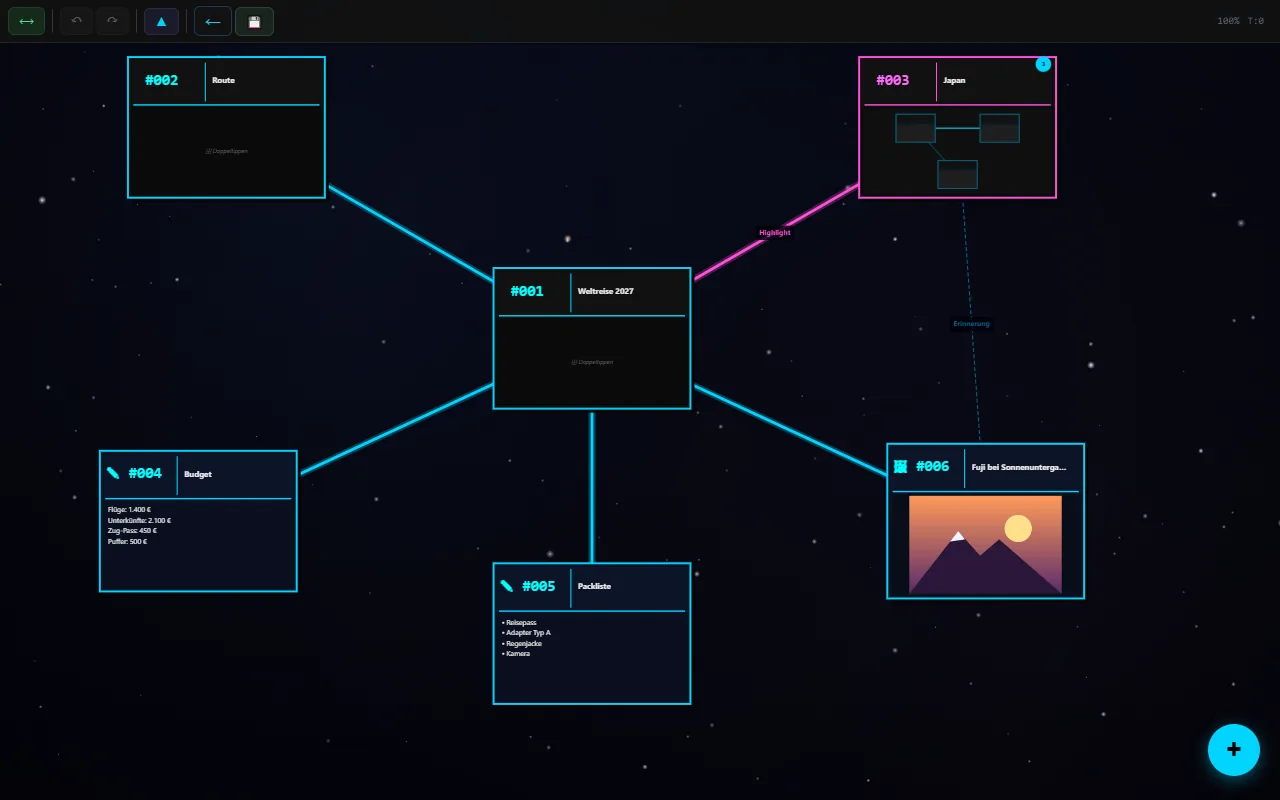
Classic mind maps quickly grow too big for one screen. mind3D solves this with levels: every node can hold a whole mind map of its own.
🪐Endless levels
Double-tap and you are inside the node. ▲ takes you back up. Even a huge project stays easy to follow.
🌐Everything in 3D
See your whole mind map as a space of spheres and threads. Rotate, search and jump back to the 2D view with one tap.
🖼More than text
Text, images, sounds and documents such as PDF or Word directly as nodes. Connections can be labelled and coloured.
🔐Yours alone
Everything stays on your device. No account, no cloud, no trackers. Optionally encrypted with AES-256.
Step into the idea
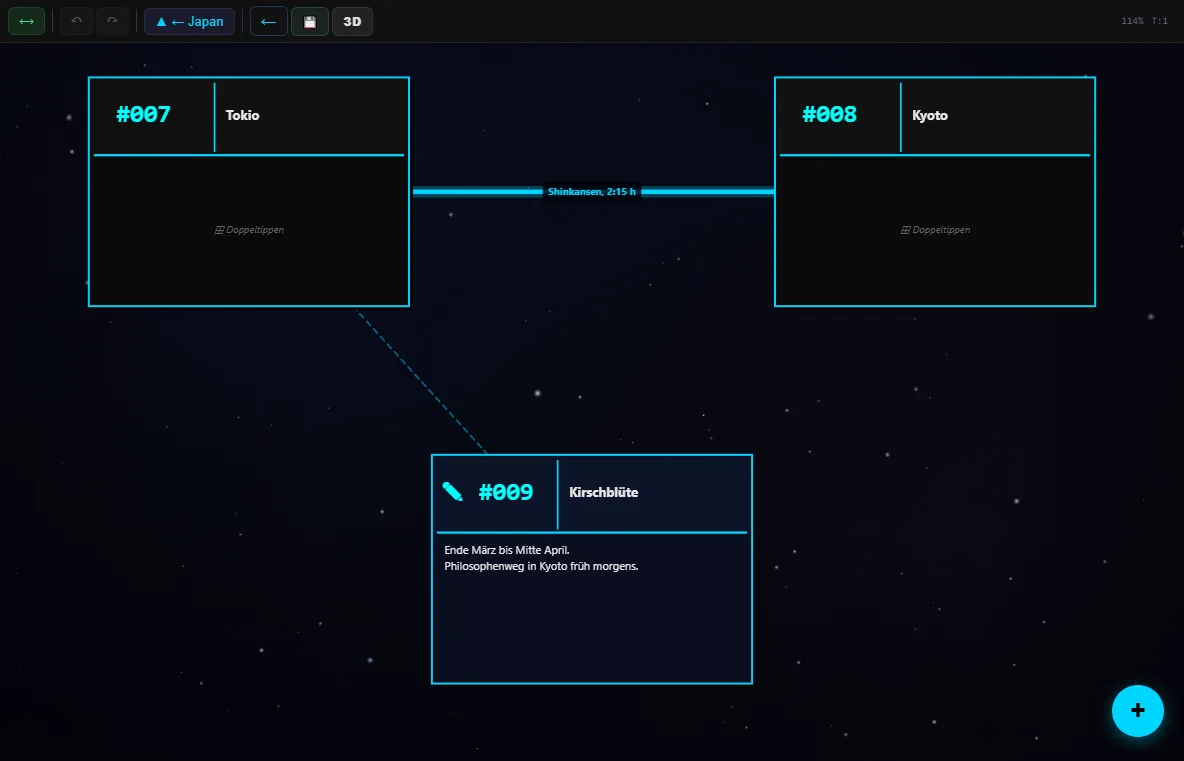
The node “Japan” from the trip plan holds its own mind map with Tokyo, Kyoto and the cherry blossom. Connections may also cross levels; mind3D shows you where they lead.
- Double-tap opens a node, ▲ goes up one level
- A preview shows what is inside a node
- Labelled connections, e.g. “Shinkansen, 2:15 h”
Rotate the big picture
One tap on “3D” shows all levels at once as a space. Large spheres are areas with child nodes, the colours come from your mind map. Search flies you straight to the node you are looking for.
More about the 3D view →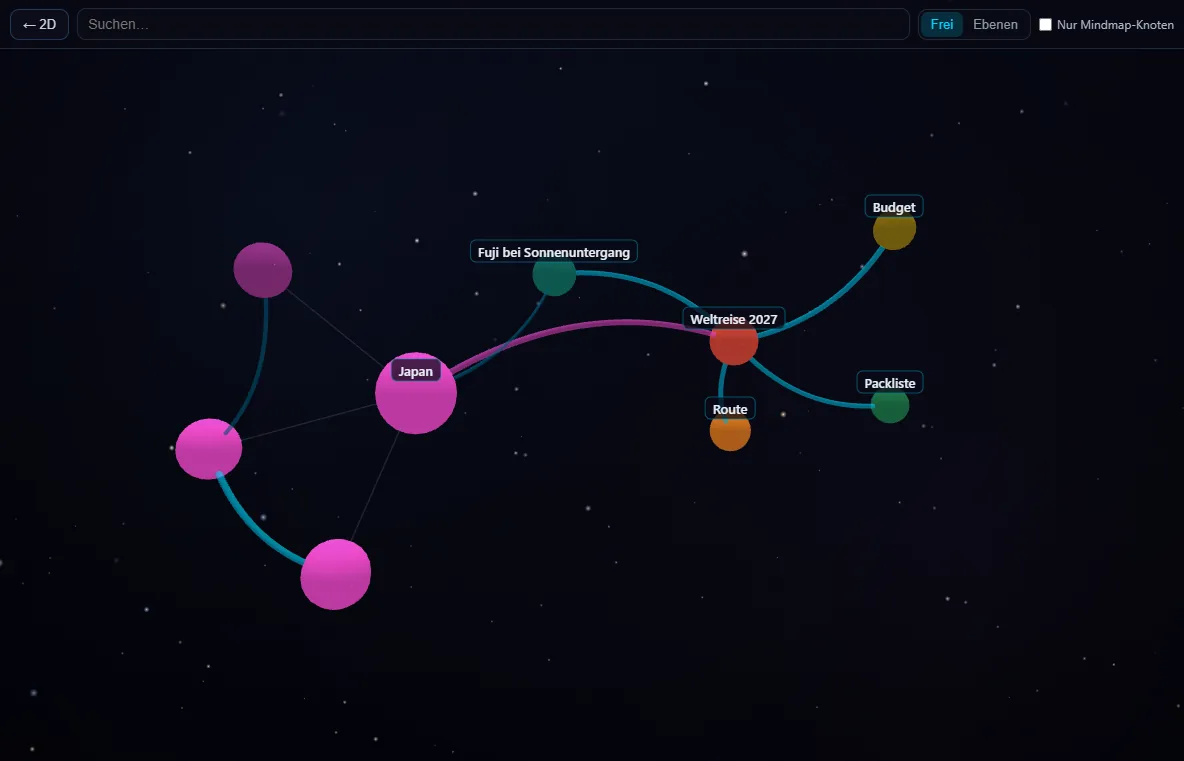
Ready in one minute
Enter a name
No account, no email. The name only sorts your projects on this device.
Create a project
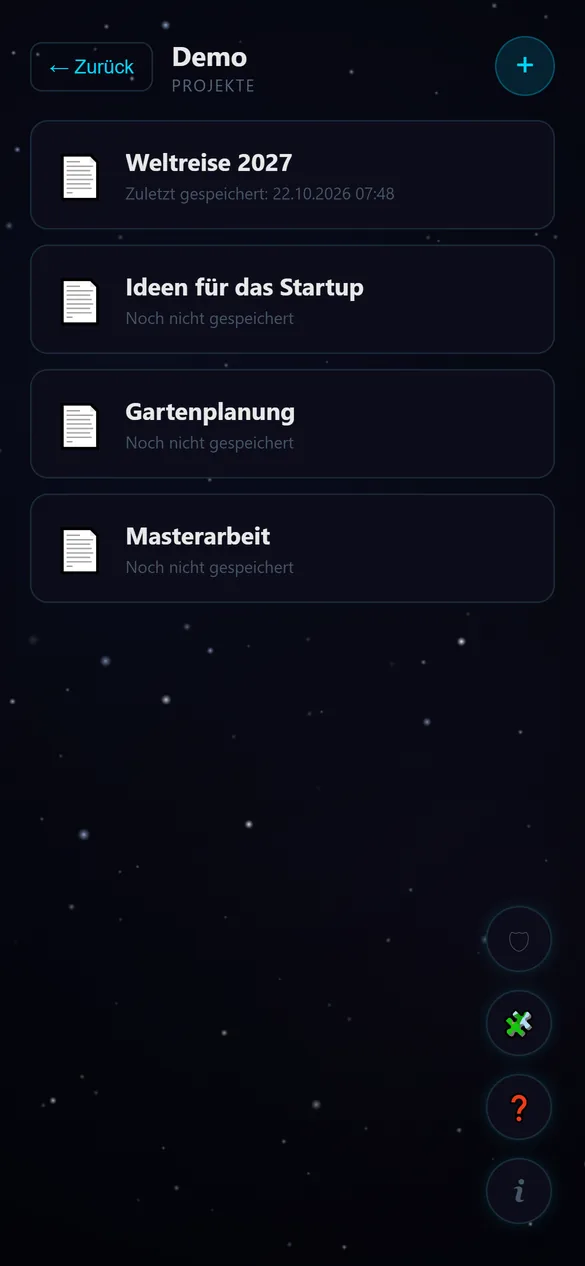
Create a new mind map with + or import an existing one.
Add nodes
Add nodes with the round +, connect them with ⟷. Saving is automatic.
Your thoughts stay yours
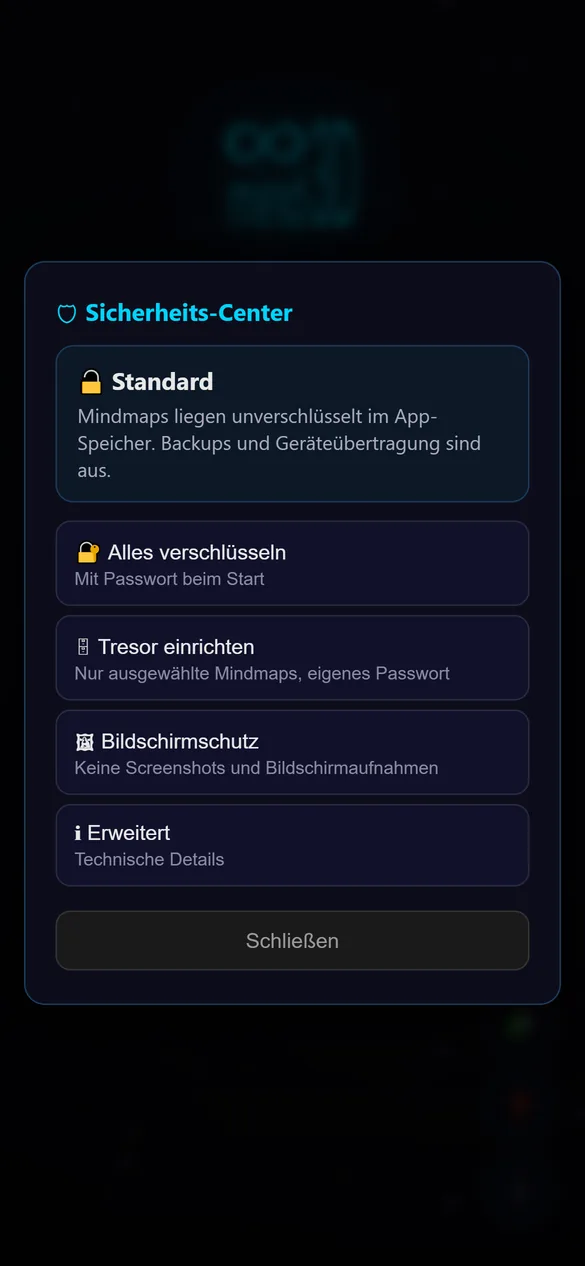
mind3D works entirely without the internet. If you want more protection, switch on encryption in the Security Center: for all mind maps or just for a vault with its own password.
- No trackers, no ads, no account
- AES-256 encryption, key in the phone’s security chip
- App lock with fingerprint, protection against screenshots
Made by two people with too many ideas
Brian_FNA
nugnu
Ready for your first level?
100 % free, no ads and no subscription. For Android 10 or newer and Windows 10/11.
Go to download